 CANADA VISA PHOTO REQUIREMENTS
From Home
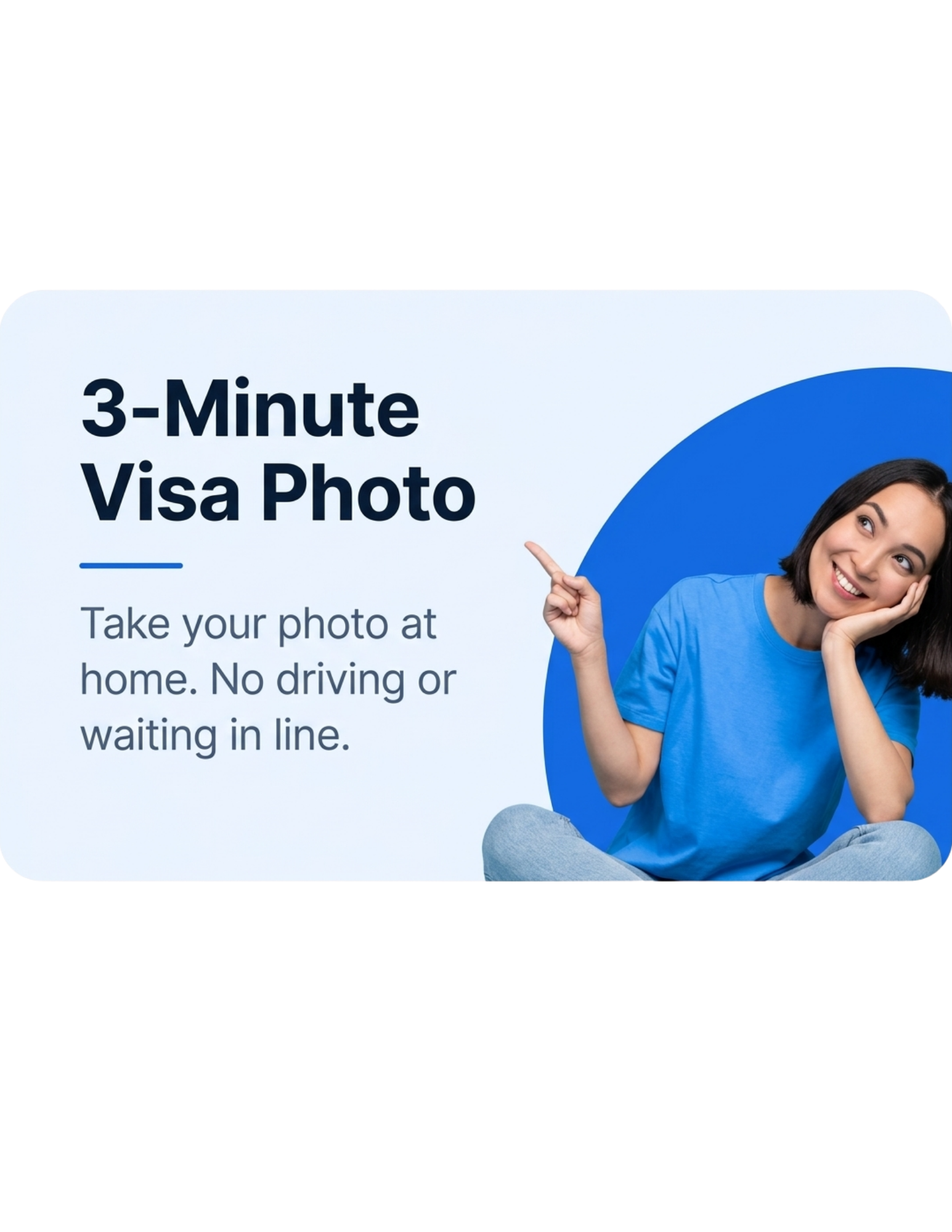
Take or upload your photo whenever it suits you. No appointment, travel, or waiting in line.
Use the IRCC photo specifications for your application and check your online upload field for any route specific digital instructions.





WHY CHOOSE US
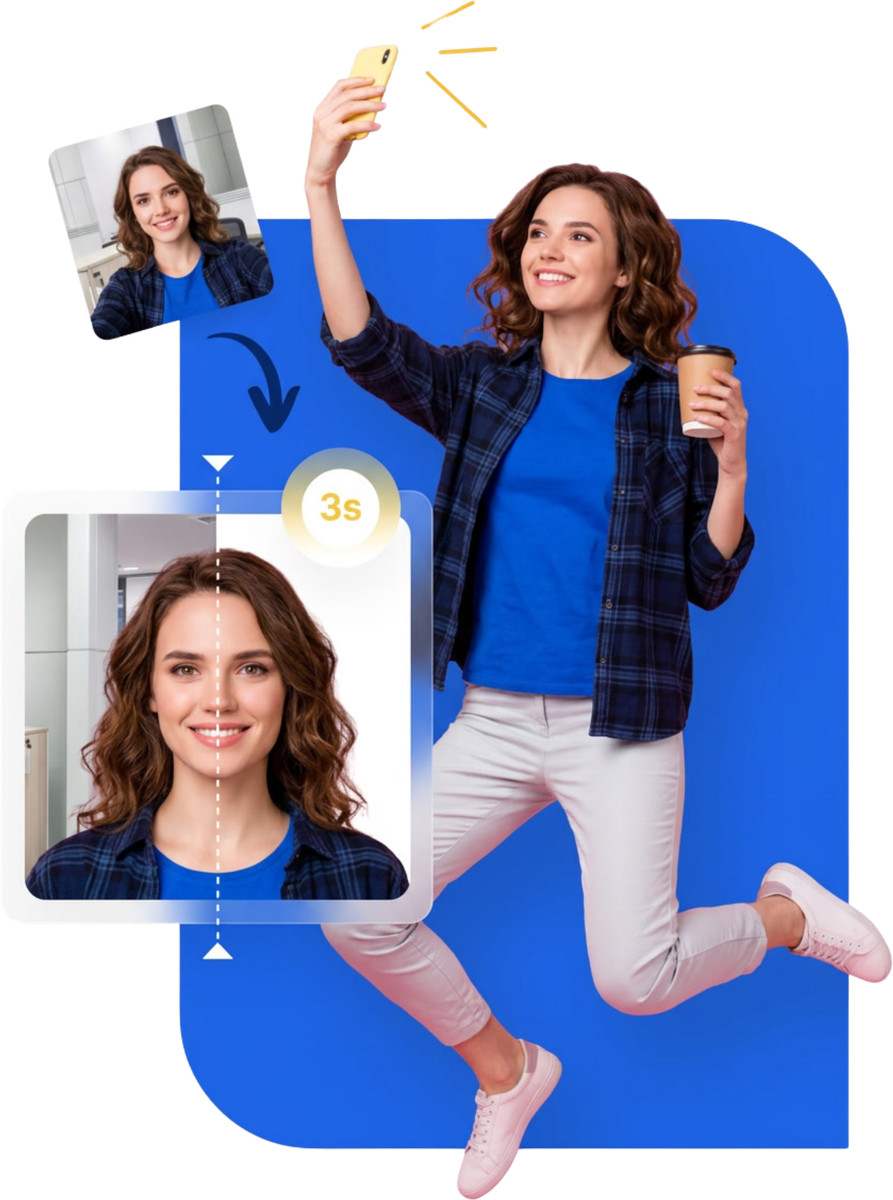
Why travel to a photo shop and pay more when you can create, check, and download your visa photo from home?
Take or upload your photo whenever it suits you. No appointment, travel, or waiting in line.
Skip the extra cost of visiting a photo shop for a simple visa photo.
Get helpful checks for common photo issues before you download your result.
Finish online and download your completed photo in a few simple steps.
PHOTO GUIDELINES
Use these quick examples to prepare a clear visa photo at home.
01
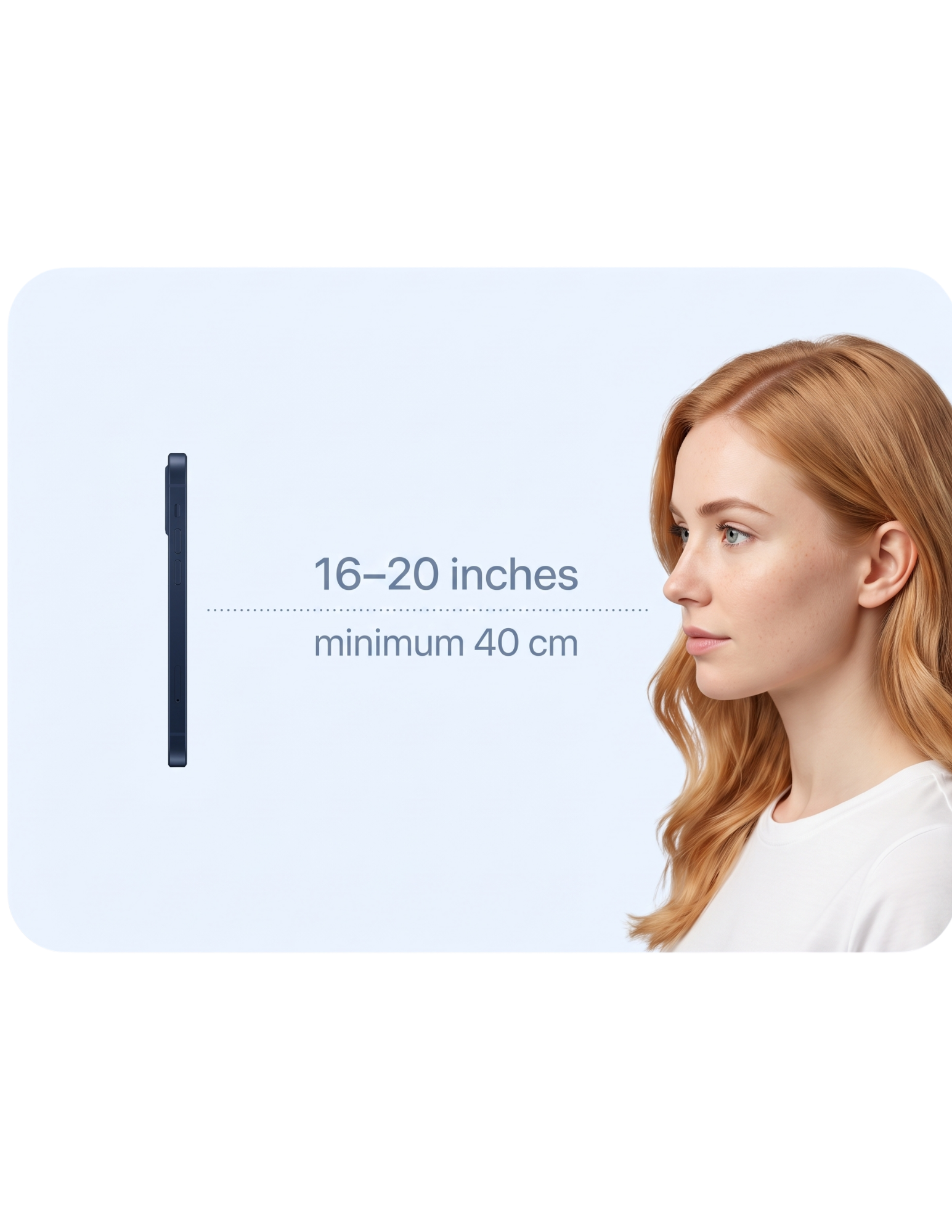
Hold your phone about 40 cm from your face. That is roughly an arm’s length away.
02
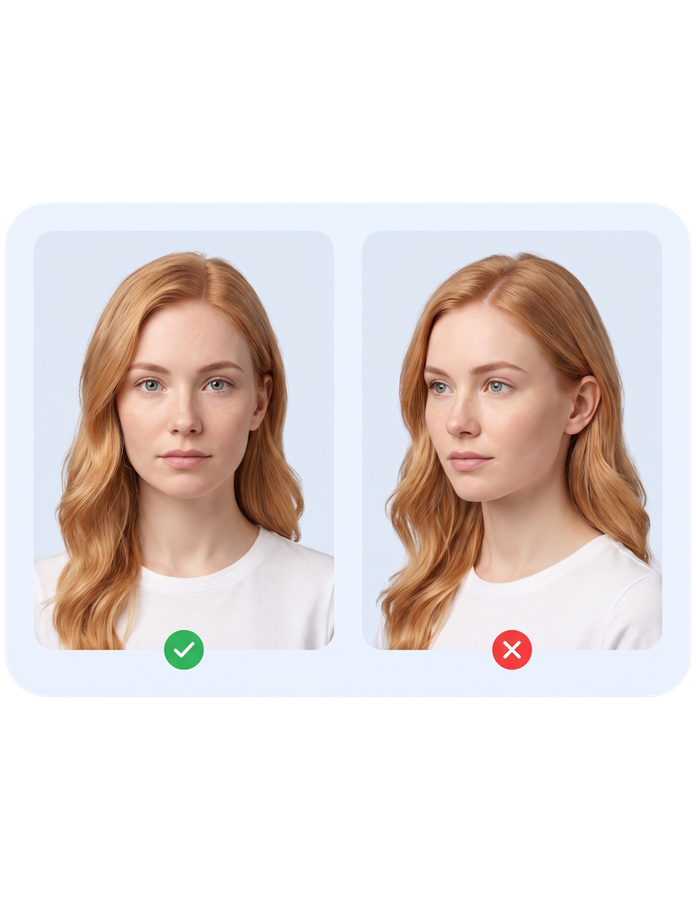
Keep your head level and look directly into the camera. Avoid turning or tilting your face.
03
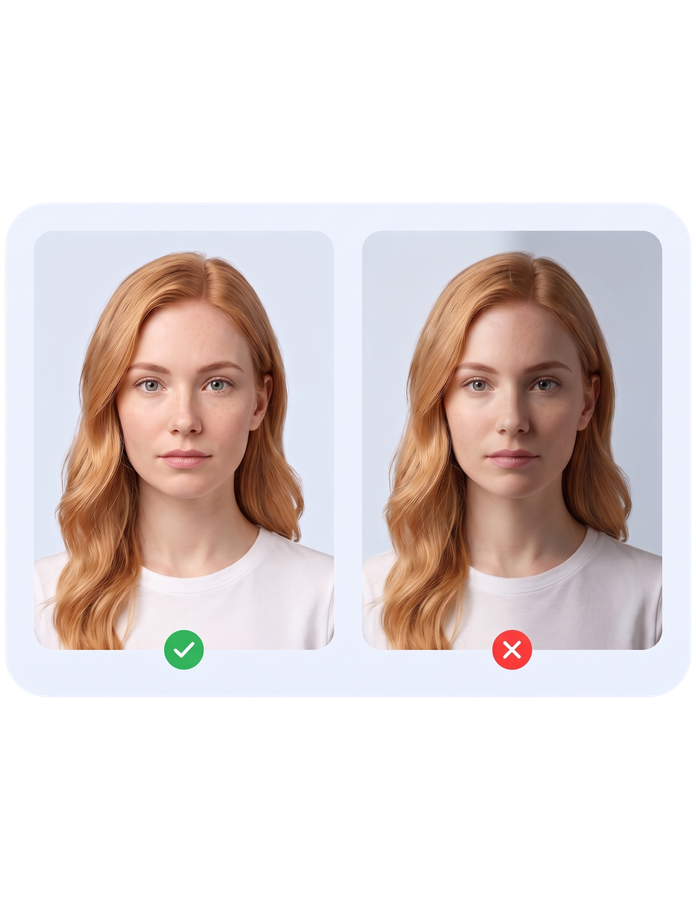
Choose bright, even light so your full face is visible without harsh shadows.
We check your photo against the IRCC visa application photograph specifications.
Head centered and squared to the camera with a neutral expression.
Head height (chin to crown) between 45% and 50% of the photo height.
Plain white background with even lighting.
JPEG, 1200–3000 px wide, within the 200 KB to 4 MB file size range.
Final acceptance is always decided by the embassy, consulate, or issuing authority.
Photo review
A clear check before download
Face and head position
Centered, neutral expression
Photo size and crop
Head 45–50% of photo height
Background and lighting
White background
Image quality
JPEG, correct pixel size
Your photo is reviewed before it is ready to download.
Start with the country and document. We’ll prepare the format that matches your selected application.
Based on IRCC visa application photograph specifications. Follow the specifications shown in your application upload field. Final acceptance is decided by Immigration, Refugees and Citizenship Canada.
Choose your country, upload a clear selfie, and get a correctly formatted digital visa photo without another trip to a photo shop.
Free preview · No account required · Final approval remains with the issuing authority
 Vietnam e Visa Photo
 US DS 160 Visa Photo
 UK Visa Photo
 India e Visa Photo
 China Visa Photo
 Japan Visa Photo
 Saudi Arabia Tourist eVisa Photo